

Incident Reports
Filter incidents by keyword, call type, location, or radius. View in list or map format for easier analysis and generate detailed Excel reports.
Search, Analyze, and Export Your Territory
Our Incident Reports tool allows you to dive into our database of property damage events. Whether you need to track current lead performance or analyze historical trends, our system provides the data in the format you need.

Advanced Data Filtering
Narrow down leads by date, specific call types, status, and precise geographic locations including states, counties, and cities.

Comprehensive Lead Details
Generate reports that include incident comments, full property titles, and verified owner contact information.

Flexible Viewing Formats
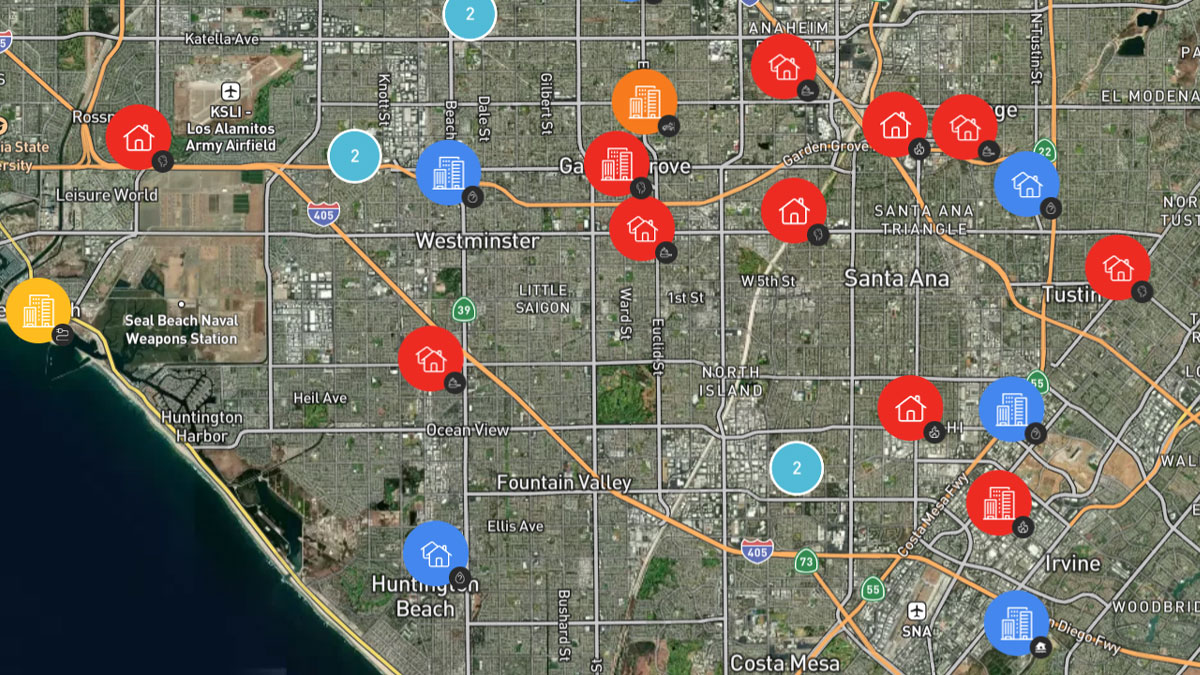
Toggle between an interactive map to see incident clusters or a detailed list view for quick scanning of lead data.
Maximize Your Sales Pipeline
Incident reporting is designed to help you identify high-volume areas and track the success of your restoration or legal outreach.
Identify Market Trends
Use historical data to see which regions or property types have the highest frequency of fire and water damage incidents.
Streamline Office Operations
Replace manual lead tracking with automated CSV exports that can be uploaded directly into your CRM or project management software.
Audit Response Performance
Review paged and unpaged incident status to ensure your team is reacting to the highest quality leads in real-time.
Customizable Reporting at Your Fingertips
Access our data feed to build reports for your operational needs.
Custom Date Range Selection
Use quick-select options for today, yesterday, or this month, or define a custom range to capture specific weather events or periods.
Call Type Summary Reports
View an instant dashboard summary showing total incident counts broken down by type, frequency, and percentage of total volume.
Detailed CSV Exports
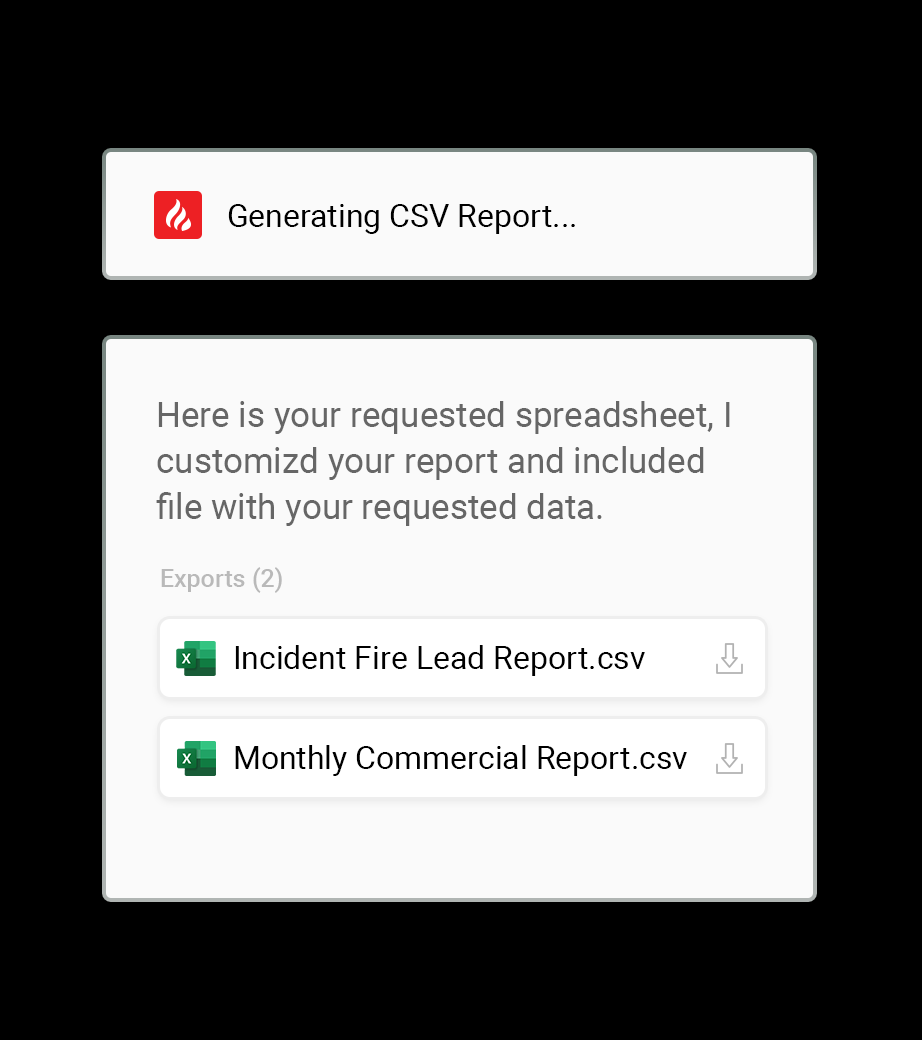
Generate and download comprehensive reports that include every data point from the initial size-up to the final incident summary.
Property Damage Leads for Your Business

Fire Restoration
Analyze structure fire frequency in your target counties to better allocate your board-up crews.

Public Insurance Adjusters
Review historical loss data for specific property owners or LLCs to prepare for large-scale claims.

Contents & Cleaning Companies
Filter for large-scale smoke and soot incidents to identify high-volume inventory restoration opportunities.

Attorneys & Legal Pros
Pull detailed incident summaries and ownership contact lists for targeted legal lead generation.

Real Estate Investors
Track distressed assets over time by monitoring incident history and property title changes in your area.

Water Mitigation Services
Generate reports on pipe bursts and sprinkler activations to track seasonal demand for extraction services.
FAQs
What formats can I export?
You can view summaries instantly in your dashboard or export full datasets as CSV files for use in Excel or your CRM.
Can I filter by a specific city?
Yes. You can filter by state, county, or specific city to match your exact service area.
How far back does the data go?
Our system maintains over 12 years of historical incident records, allowing for long-term trend analysis.
Does the report include owner contact info?
Yes. You can customize your export to include property titles, owner names, and verified contact details.
What is the “Paged vs. Unpaged” filter?
“Paged” incidents are those flagged by our dispatchers for immediate notification because there are visible signs of damage, such as smoke, fire, or water. “Unpaged” incidents include calls with no actionable damage, like BBQ smoke or general investigations.
Can I automate these reports?
You can run custom reports at any time using our quick-select date ranges like “Today,” “This Week,” or “Last 2 Months.”
Are analyst comments included in exports?
Yes. You have the option to include detailed analyst size-ups and incident summaries to keep a full record of the event.
Ready for Deeper Territory Insights?
Join the professionals who use Incident Reports to drive their business growth.