
Customizable Notifications
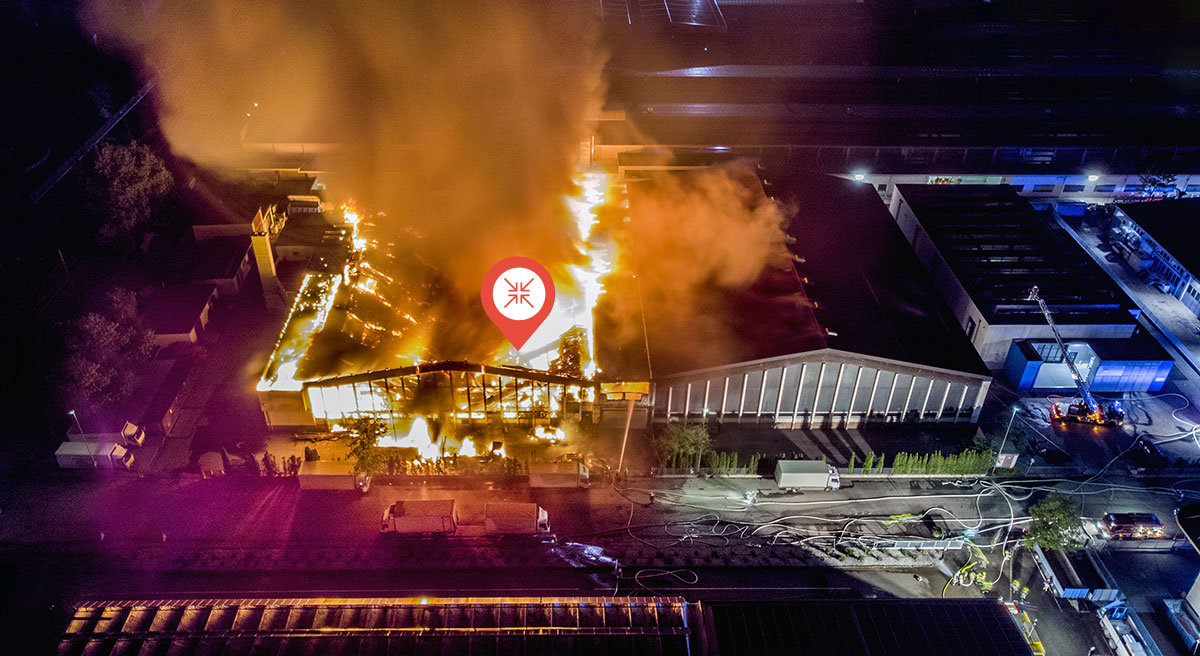
Tailor alerts by building and call type, proximity, and set sound preferences. Receive push and/or email notifications.
Focus On Quality Property Damage Leads
Our system allows you to filter to find the exact leads that match your business model. Instead of receiving every alert, you choose the specific incidents that trigger a notification.

Structure-Specific Filtering
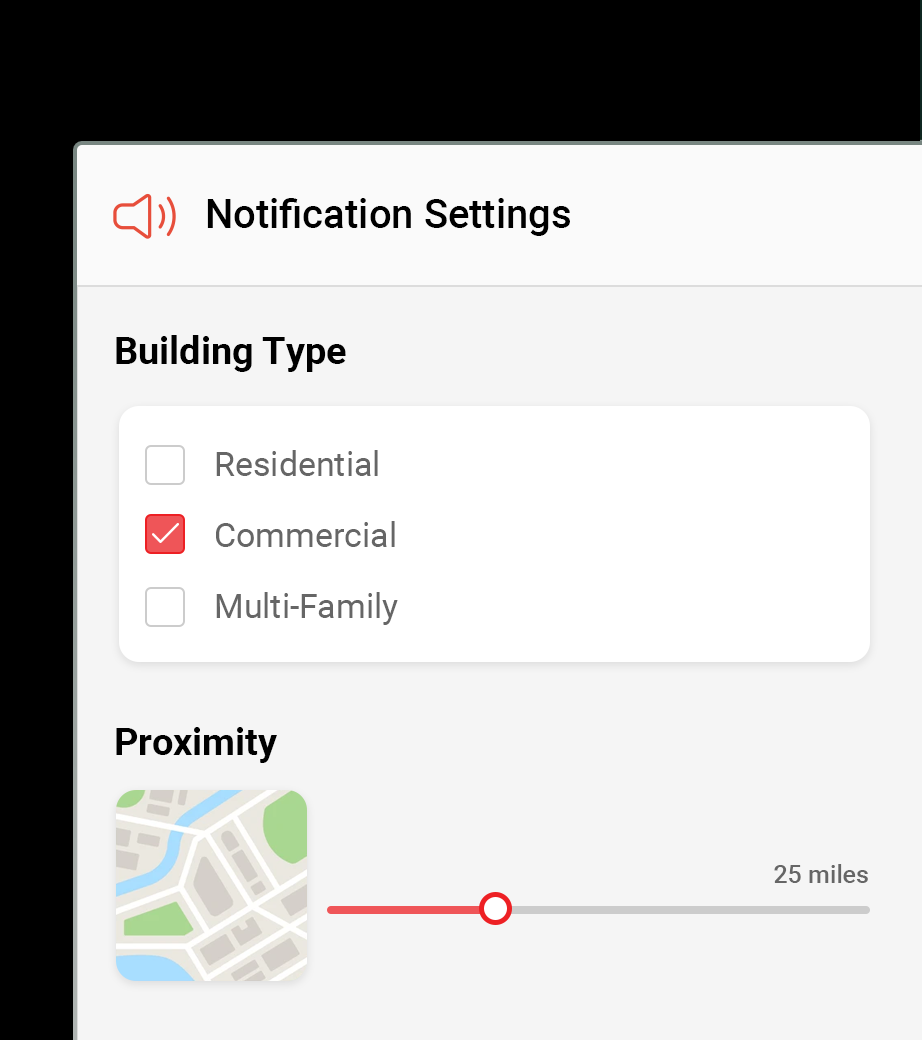
Sort alerts by property type, including residential houses, commercial buildings, multi-family, and mobile homes.

Call Type Control
Select which incidents trigger an alarm, from major structure fires to water damage events and vehicles into buildings.

Multi-Channel Delivery
Choose how you receive your data. Set up push notifications for your mobile device or browser and email alerts.
Manage Your Lead Flow in Real Time
Customizable notifications are designed to keep your workflow manageable by delivering only the most relevant property damage data.
Focus on High-Value Leads
Toggle off minor call types to ensure your team only mobilizes for incidents with significant restoration or legal potential.
Custom Sound Alerts
Assign unique sounds to different alert types so you can identify a high-priority structure fire without looking at your phone.
Radius-Based Awareness
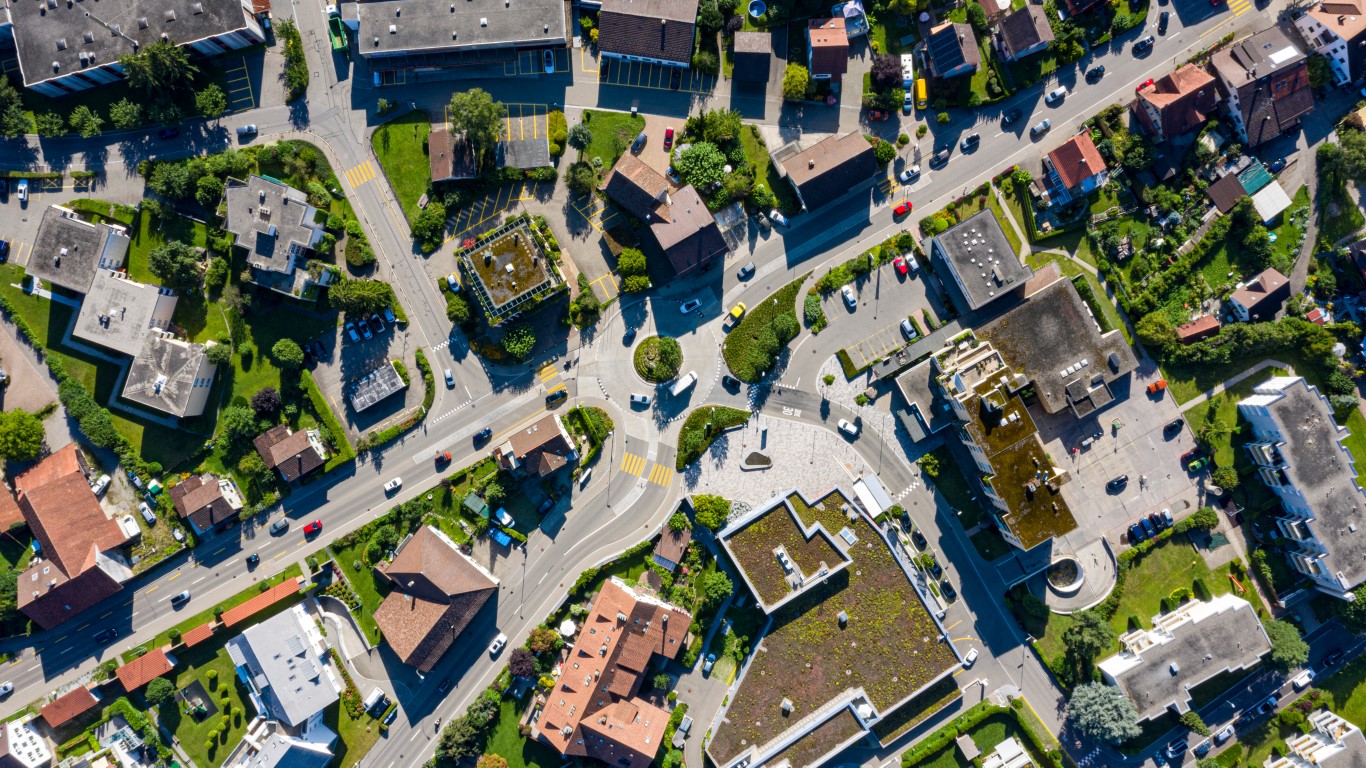
Set proximity alerts to notify you of incidents occurring within your specific service territory or current location.
User-Defined Alert Settings
Access our mission-critical backbone through an interface that puts you in control of every notification.
Category Toggling
Expand structure categories like “Commercial” to enable or disable specific incidents such as working fires and indoor water calls.
Global “All” Settings
Quickly enable all call types for a structure category or refine your list by toggling individual incidents off to streamline your feed.
Cross-Platform Sync ** Customize across devices
Your notification preferences sync across our mobile app and web-based CAD interface, ensuring consistency for your entire team.
Property Damage Leads for Your Business

Fire Restoration
Filter for structure and greater alarm fires. Disable minor electrical or vehicle fires to focus on rebuilds.

Public Insurance Adjusters
Customize alerts for high-value residential and commercial properties to identify major claims instantly.

Contents & Cleaning Companies
Enable notifications for smoke and soot incidents in large-scale commercial or multi-family buildings.

Attorneys & Legal Pros
Focus on structural collapse and major fire incidents to identify high-stakes legal leads.
Real Estate Investors
Monitor for distressed assets by setting alerts for forced entry, vehicle strikes, or fire damage in target areas.
Water Mitigation Services
Set alerts specifically for sprinkler activations, broken pipes, and water vac requests.
FAQs
Can I turn off specific fire types?
Yes. You can toggle off individual types like “Food on Stove” while keeping “Structure Fires” active.
How do I change my alert sounds?
You can set unique sound preferences within the “Notification Settings” menu of the app.
Will I still see incidents I’ve muted?
Muted incidents won’t trigger a notification, but all dispatched calls are still logged in your searchable database.
Is there a limit to how many filters I can set?
No. You can customize settings for every structure and call type we monitor.
What happens if I turn off one call type in a category?
The “All” toggle for that category will automatically turn off, indicating a custom selection.
Can I set alerts for a specific zip code?
You can set alerts based on proximity to your location or within defined regional territories.
Are these settings saved to my account?
Yes. Your preferences are saved to your profile and apply whenever you are logged in.
Streamline Your Property Damage Leads
Join the professionals who use Fire Notification to receive only the leads that matter most.