

Fire Notification for CRMs
Make following up on property damage leads simple for teams who use Salesforce, Hubspot, Zapier, or other popular CRMs
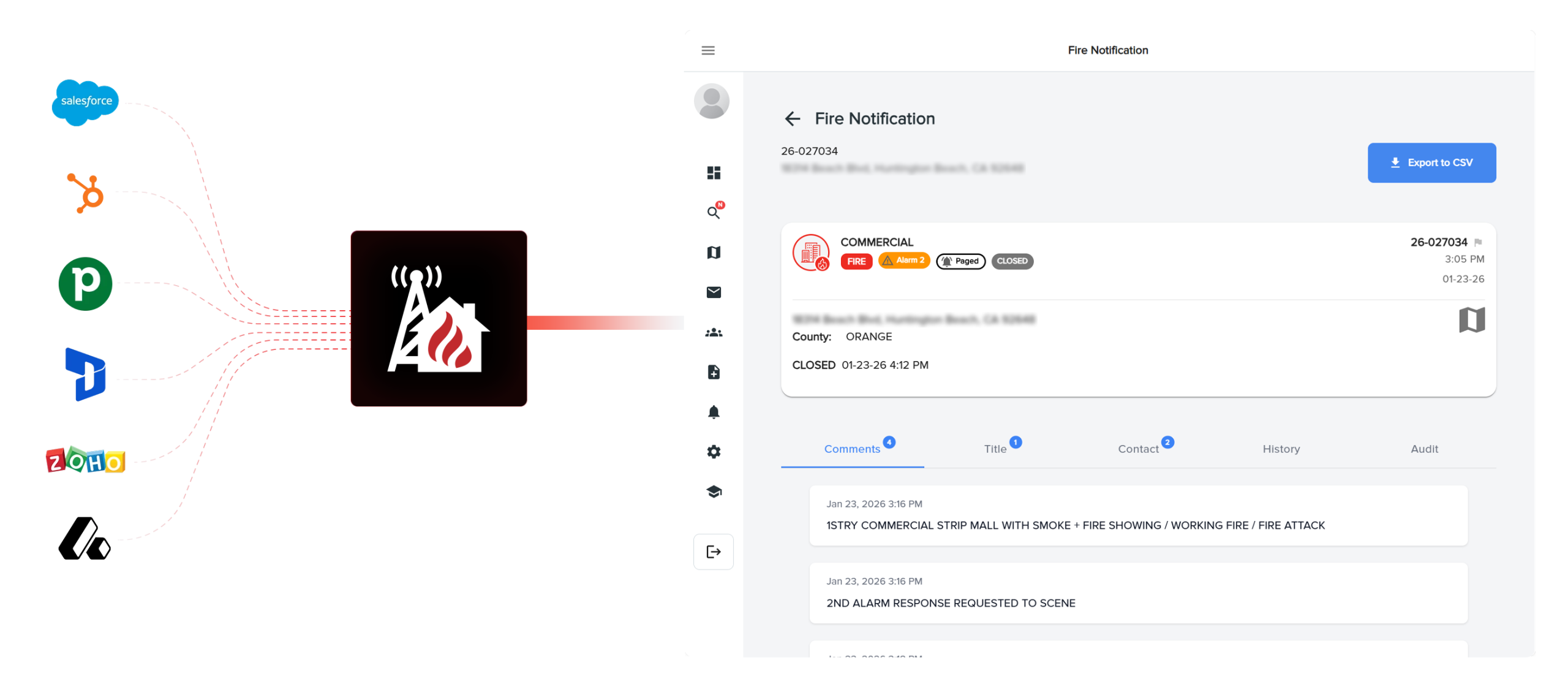
Workflow Automation for Property Damage Leads
Build out your real-time emergency dispatches and your sales workflows.

Native HubSpot Integration
Access our verified app on the HubSpot Marketplace for a “one-click” setup experience.

Real-Time Sync
Creating deals or records the moment an incident is verified.

Developer-First Tools
Utilize webhooks and documentation to build custom connections for your system.
Efficiency Meets Speed
CRM Integration gives you the automated technical edge, built to automate data entry.
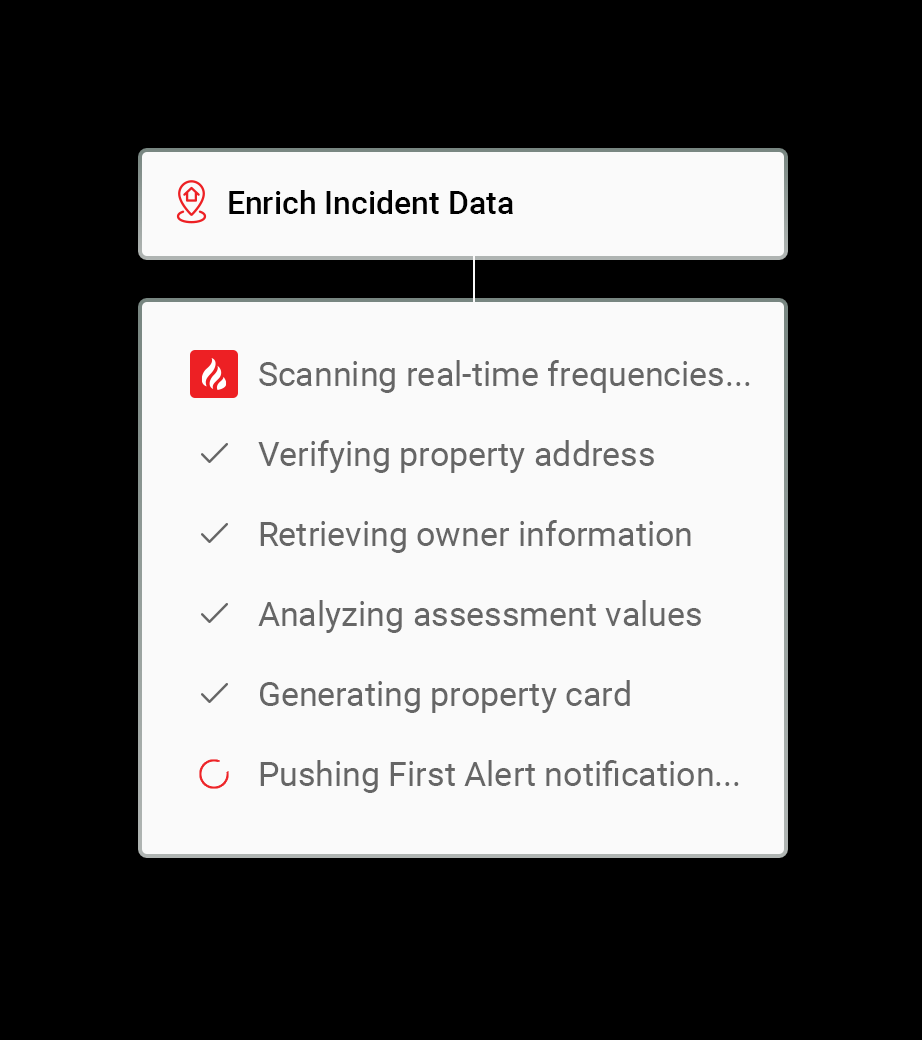
Eliminate Lead Lag
Remove the delay between hearing an incident and getting the details to your sales team.
Accurate Property Details
Ensure every address, owner name, and property detail is recorded accurately without human error.
Scalable Outreach
Automate your follow-up processes, allowing your team to handle a higher volume of incidents simultaneously.
Automated Tasks on Every Incident
Build out your workflows the way you want.
Custom Object Mapping
For Enterprise users, sync incidents as custom objects for advanced tracking; otherwise, sync directly as Deals.
Automated Record Updates
Keep your records current with live updates as incident details evolve on-scene.
Comprehensive Webhooks
Send incident data to external services or platforms like Zapier and Salesforce with ease.
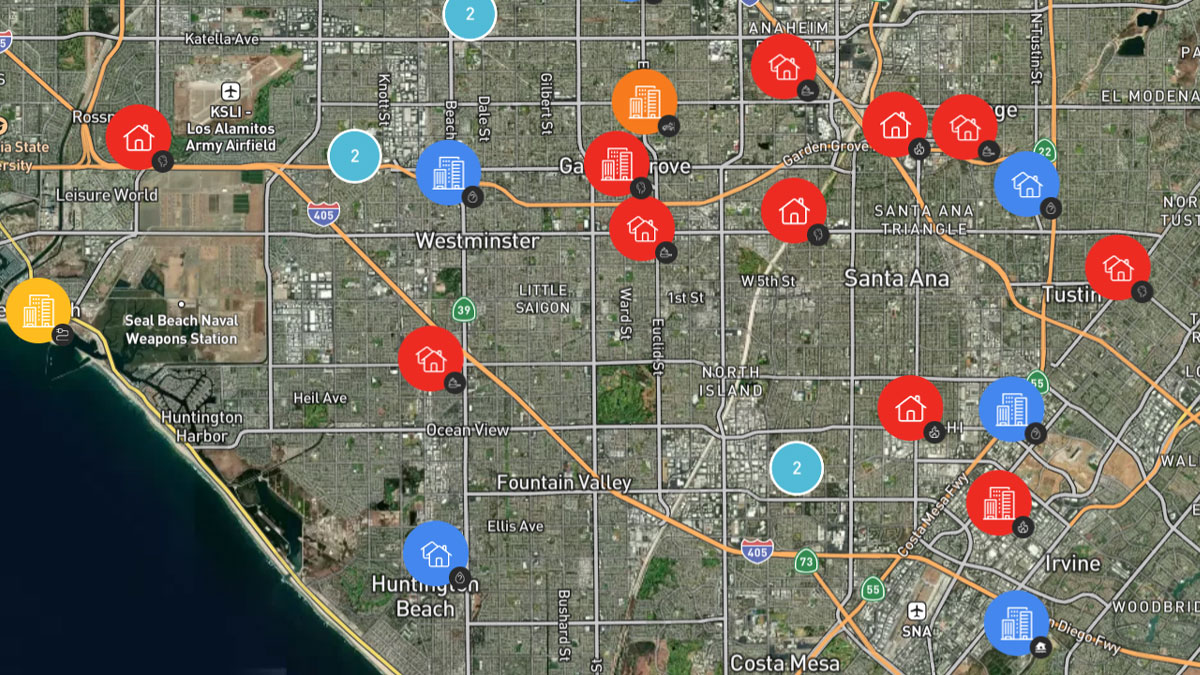
Property Damage Leads for Your Business

Fire Restoration
Automatically populate your CRM with fire-damaged property leads and verified owner contact info.

Public Insurance Adjusters
Identify large losses the moment they are dispatched and evaluate market values to determine claim scope.

Contents & Cleaning Companies
Identify high-volume inventory restoration opportunities based on the verified scale of smoke and soot damage.

Attorneys & Legal Pros
Secure a lead generation advantage for high-stakes property incidents with access to LLC member details and purchase history.

Real Estate Investors
Find off-market distressed assets the moment damage occurs using deep-layer valuation and structural insights.

Water Mitigation Services
Receive real-time leads for pipe bursts, sprinkler activations, and storm flooding to start the extraction process immediately.
FAQs
Which CRMs do you support natively?
We offer a native integration for HubSpot available through their Marketplace.
Can I connect to Salesforce?
Yes, you can connect to Salesforce via our webhooks or through Zapier.
What is the difference between “Deals” and “Custom Objects” in HubSpot?
Standard users sync incidents as Deals, while Enterprise users can use Custom Objects for more flexible tracking.
Do you provide documentation for developers?
Yes, we provide in-depth web development documentation for all webhook integrations.
Can I filter which incidents get sent to my CRM?
Yes, you can tailor your notifications and sync settings by building type, call type, and proximity.
Do I need a developer to set this up?
For HubSpot, no. For custom webhook integrations, a basic understanding of web development is recommended.
Ready to Automate Your Growth?
Connect Fire Notification to your CRM today and start securing more contracts with less effort.